01
Set a rung you believe in.
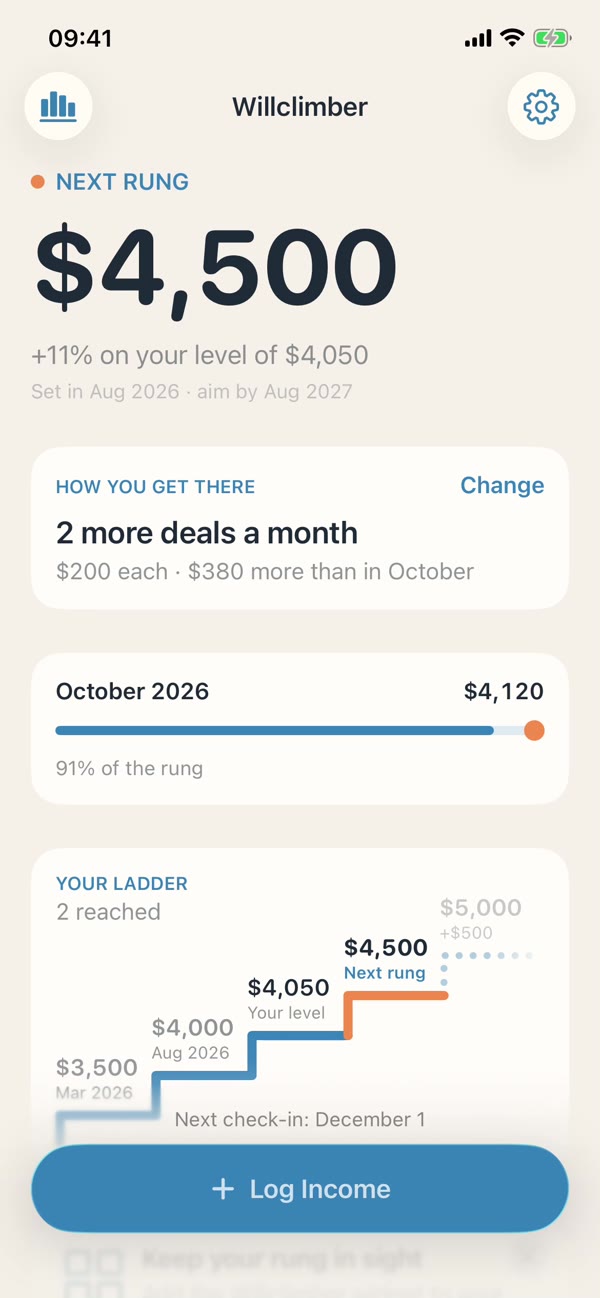
Your income today plus a step you can explain, rounded to a number you’ll remember. Then name where the extra comes from: two more clients, a higher rate, a raise.
 Free iPhone app · coming soon
One number on your Lock Screen: the income you’ll reach next, and the move that gets you there.
Will-climbing
In US data, about one worker in seven sees earnings jump by half or more in a year. Behind most jumps is someone who asked, applied or said yes. Willclimber keeps you ready: a number you believe, and the next move toward it. Source: CBO
How it works
01
Your income today plus a step you can explain, rounded to a number you’ll remember. Then name where the extra comes from: two more clients, a higher rate, a raise.
02
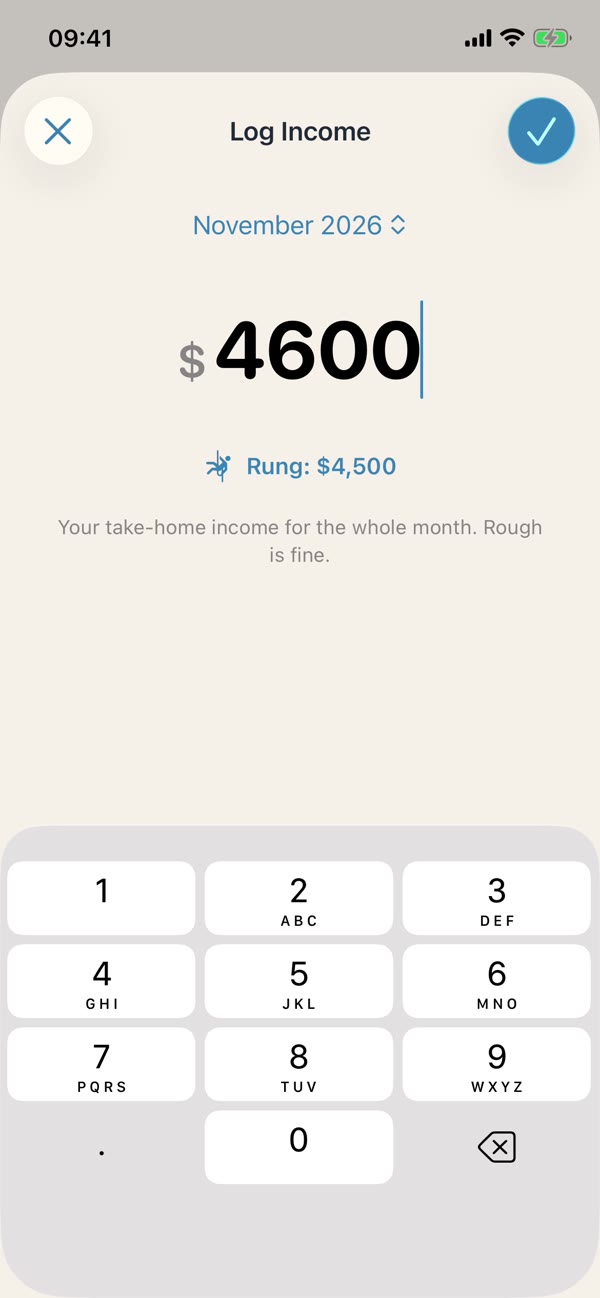
Log what you took home. Rough is fine, and it takes about two minutes. Your rung stays on your Lock Screen the rest of the time.
03
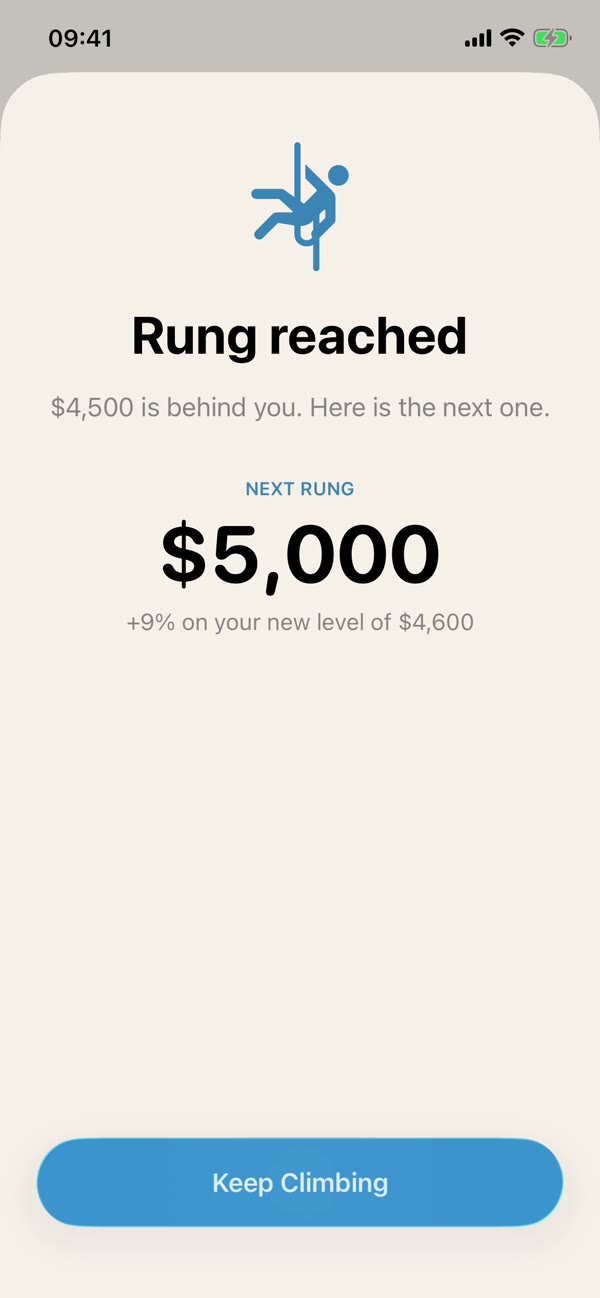
Hit the rung and the next one appears right away. Fall short, and the goal becomes getting back to your level. No streaks, no guilt.
Find your rung
Example math, the same rounding the app uses.
Next rung
$3,500
+$500 a month on your level of $3,000
Always in sight
Three sizes: a line above the clock, a ring that fills as you climb, and your rung with the move under it.
Small, medium and large widgets with your rung, your progress and the ladder so far.
On the nightstand, your rung glows in warm colors while the phone charges.
Ask for your rung or log a month without opening the app.
The method
“A goal you can explain is a goal you can believe. Start with a rung, not a mountain.”
Willclimber
No subscription, no ads, and no account needed.
Yes. Every feature is free: widgets, check-ins, reminders and sync. No subscription, no ads, and you don’t need an account.
Without an account, nobody: everything stays on your iPhone. If you sign in with Apple or Google to sync, your ladder is stored in your private account and nobody else can read it. Details in the privacy policy.
You can, later. A first rung you genuinely believe pulls you forward; a giant one breeds doubt. Many people find that up to about 20% above today feels real. Read the method.
Your goal becomes getting back to your level. No streaks to break, no guilt. Income moves, and the climb continues from where you are.
Both work. Hourly pay converts to a monthly number, and for clients or deals the app turns the gap into a count, like “2 more deals a month”.
iPhone only for now, in English, German, French, Spanish and Italian.
Soon. Join the list and we’ll send one email the day it’s in the App Store.
Willclimbers